While the extraction of files from Windows Installer (MSI) files has always been supported, we’ve now released the MSI Format package to offer in-depth support for the format, such as the display of tables.
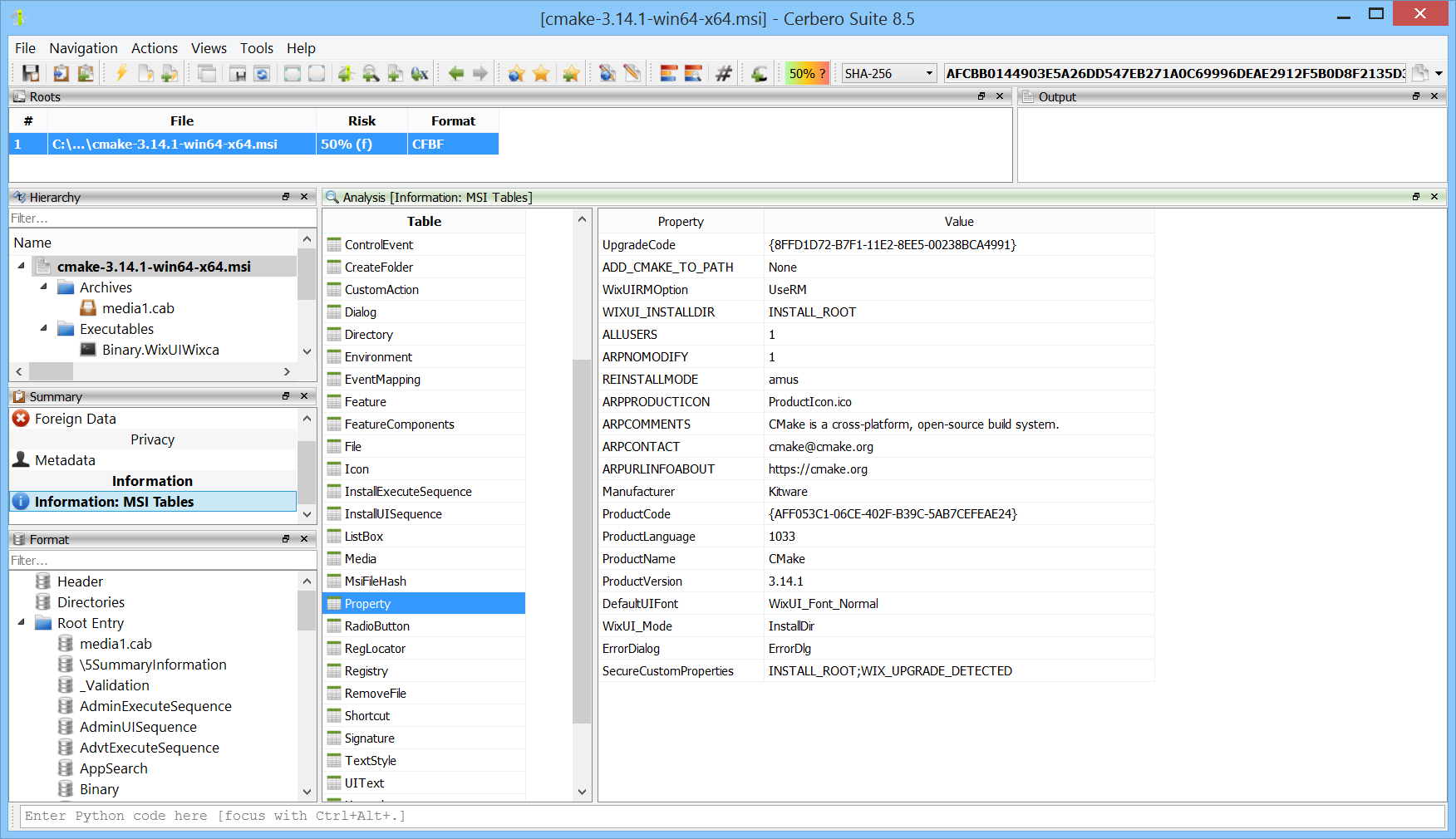
While the extraction of files from Windows Installer (MSI) files has always been supported, we’ve now released the MSI Format package to offer in-depth support for the format, such as the display of tables.
We’re testing our Memory Analysis package (currently in beta) against various challenges available online.
We found this challenge on the Memory Forensic site, so credit goes to them for highlighting it and to the BlackHat MEA Team for creating it in the first place. The challenge can be downloaded directly from here.
We’ve released version 0.6 of the Memory Analysis package, currently in beta.
All user modules from all processes can now be inspected at once. This makes it easy to discover which processes load a particular module.
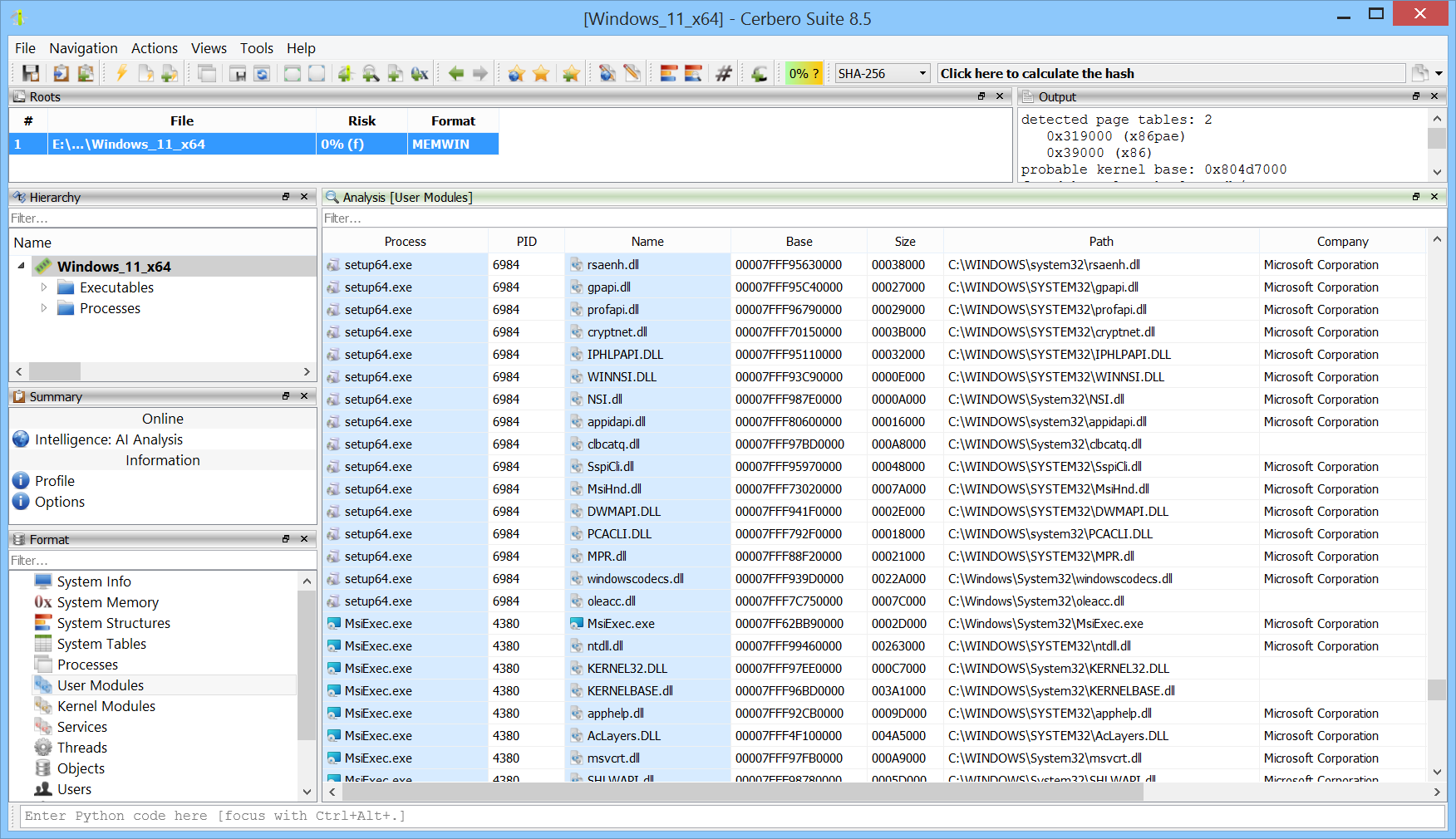
We’re testing our Memory Analysis package (currently in beta) against various challenges available online. In this case, we combined the memory analysis with our soon-to-be-released AI Assistant package to solve the challenge in an automated way.
The challenge was created by the CyberDefenders team and can be downloaded from their website.
We’re excited to announce the release of the WIM Format package, which adds support for the Windows Imaging (WIM) file format.
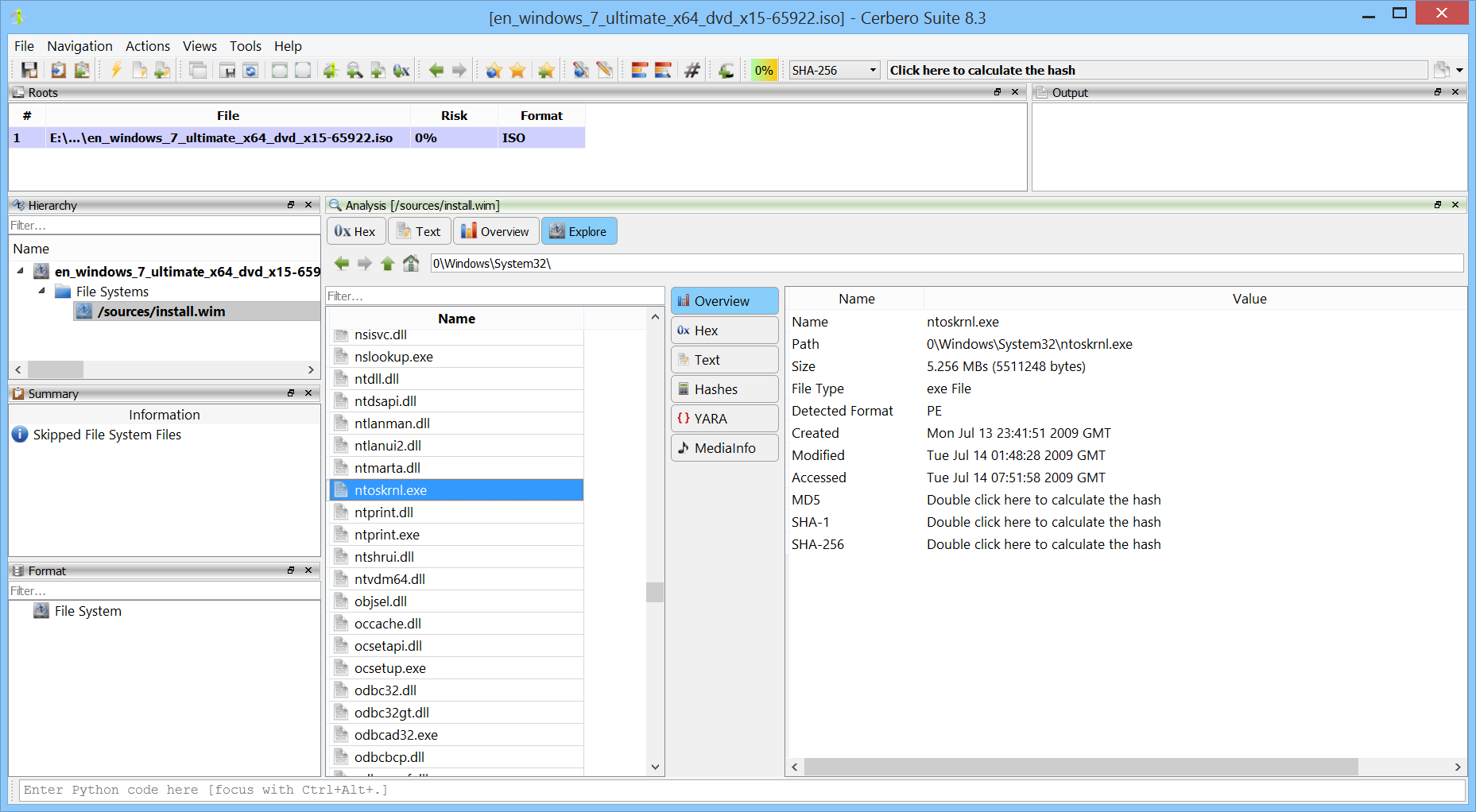
Once installed, you can explore the contents of WIM images directly in Cerbero Suite. This includes browsing the file hierarchy, inspecting individual files, and performing in-depth forensic analysis.
Additionally, when used in conjunction with the ISO Format package, it’s possible to seamlessly access WIM images embedded within ISO files—making the analysis of Windows installation media even more efficient.
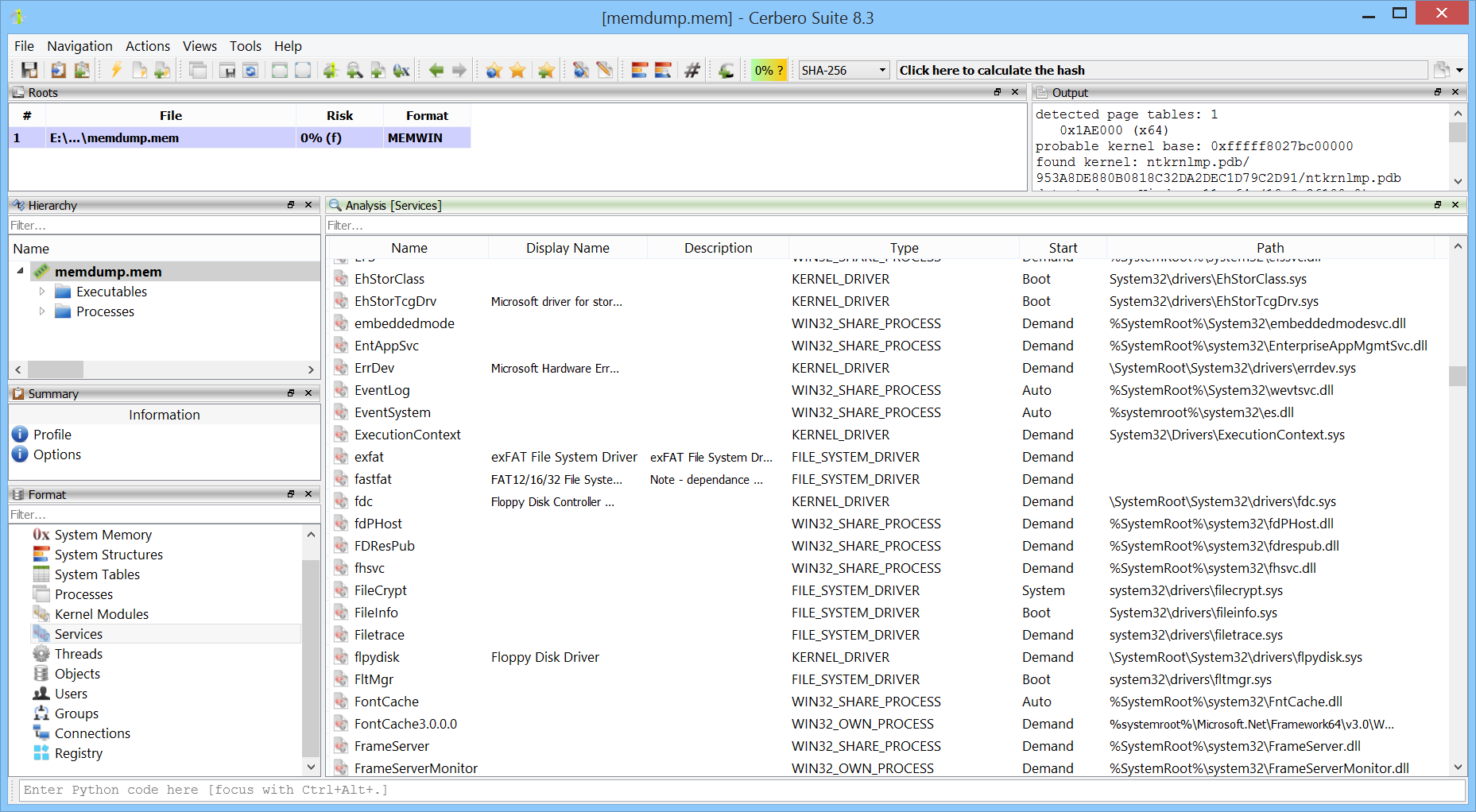
We are excited to announce the release of version 0.3 of our Memory Analysis package, currently in beta. This update introduces two major features: support for prototype Page Table Entries (PTEs) and the ability to enumerate and display Windows services from memory captures.
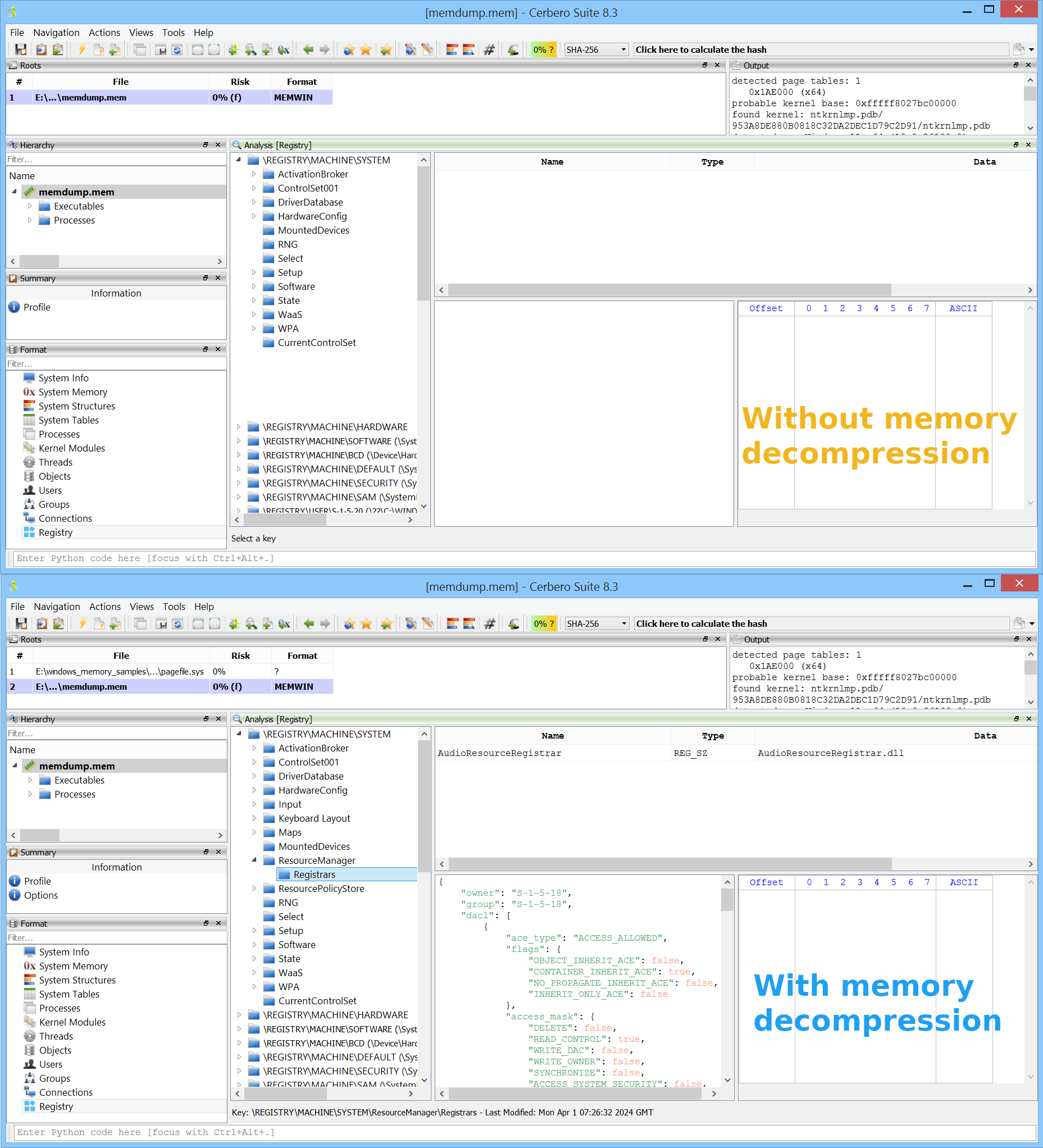
Windows 10 (version 1507) introduced memory compression, a feature that allows certain memory pages to be compressed and managed by the “MemCompression” process. As a result, in a memory snapshot, some pages may be unavailable because they reside in compressed memory. Memory compression in Windows is optional and can be disabled if desired, but it is enabled by default.
We are excited to announce the release of version 0.2 of our Memory Analysis package, currently in beta, which adds support for memory decompression and reading paged-out memory from pagefiles.
In the example image below, we can see a case where certain registry keys are missing when examining a memory snapshot—these keys are located in memory pages that have been compressed. In the lower part of the image, after enabling memory decompression, the previously missing keys become visible.
We’re excited to announce the release of the new Memory Analysis package, capable of analyzing memory dumps from all Windows versions, from XP to 11, both x86 and x64.
The package will be available to all licenses of Cerbero Suite. Today we’re rolling out the beta for all commercial licenses, and it will be accessible to all licenses once the beta period ends. This new package replaces the previous Windows Memory Analysis package.
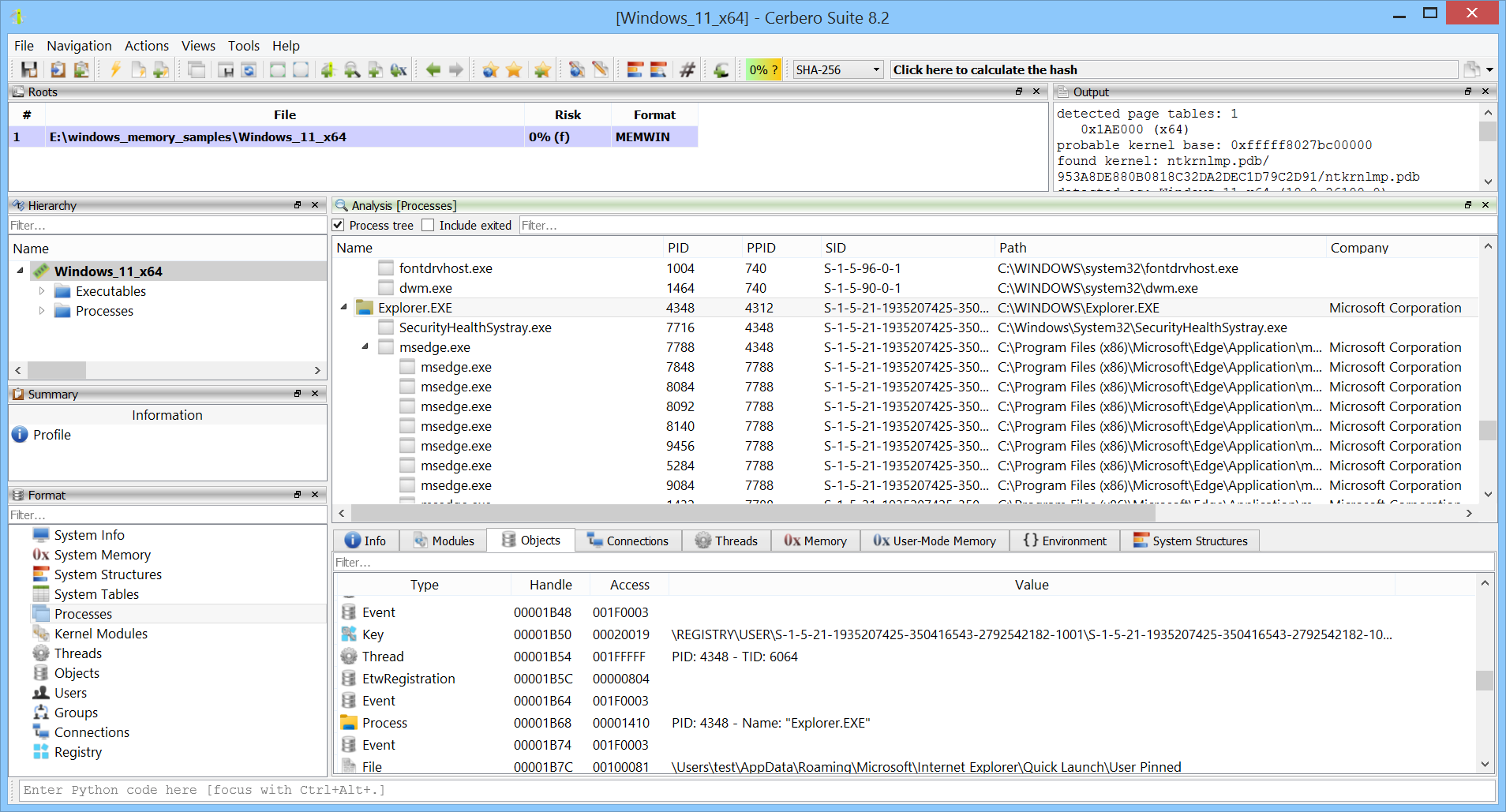
We have released the RegHive Format package for all licenses of Cerbero Suite.
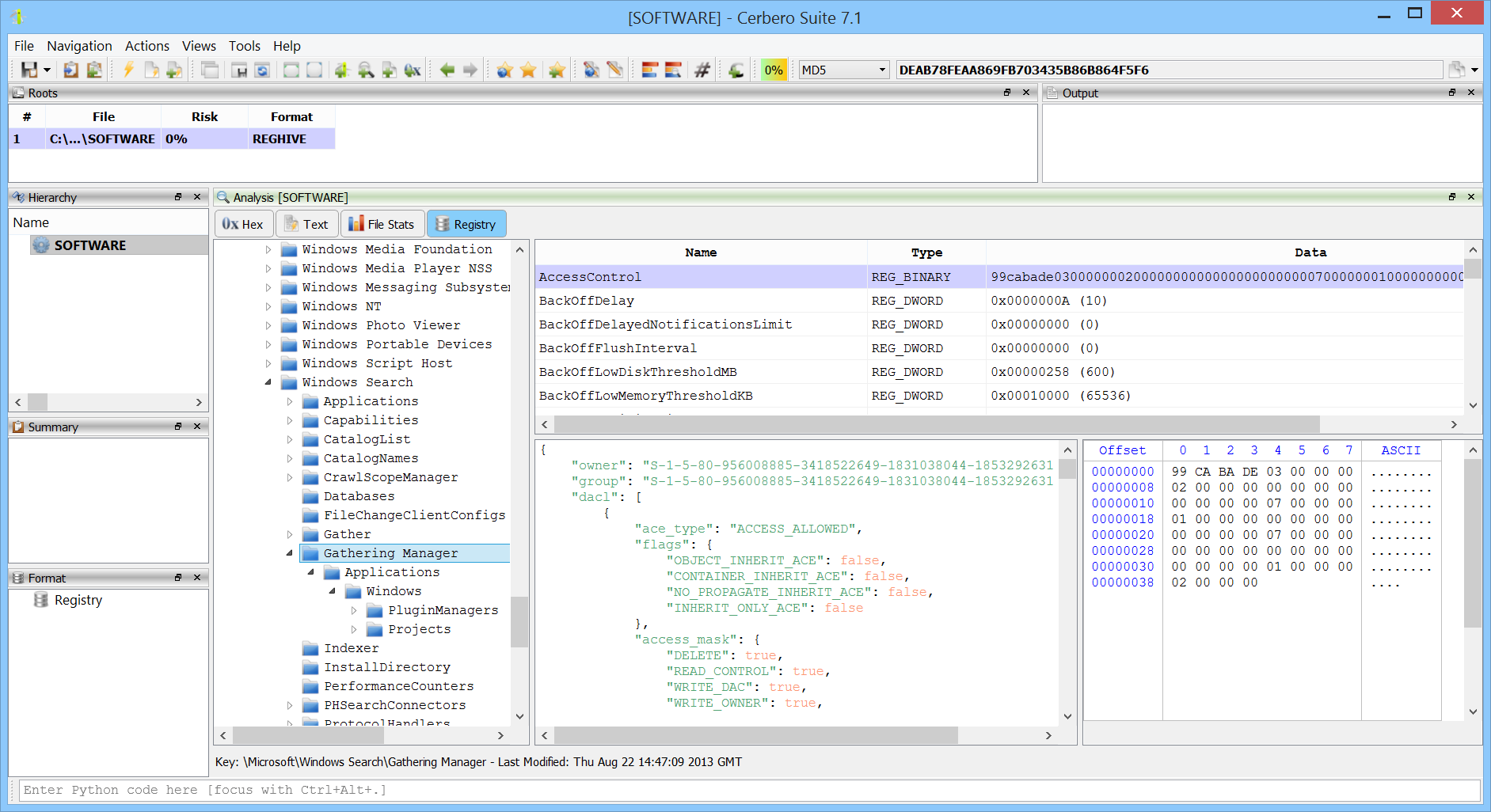
This package offers enhanced functionality for exploring Windows Registry hives. It enables detailed inspection of keys and values, and importantly, provides additional insights by displaying the last modification date and time for each key. Moreover, it includes the ability to view security access details for each key, offering a comprehensive overview of the Registry’s structure and access controls.
With the upcoming releases customers with commercial licenses for Cerbero Suite Advanced and Cerbero Engine can verify Microsoft Authenticode signatures on Linux and macOS. Our Authenticode support includes full-chain certificate and time-stamp verification.
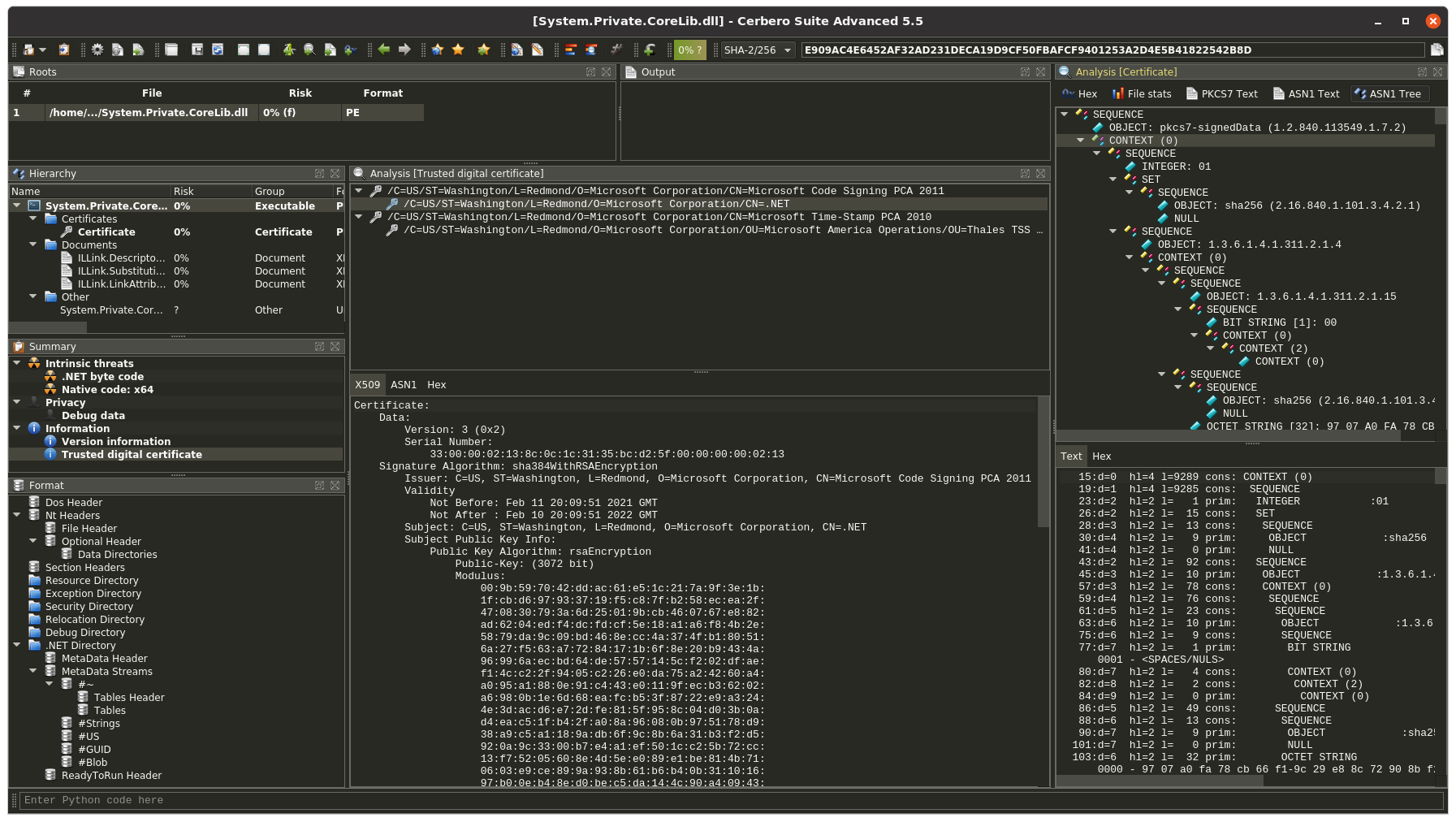
In conjunction with our recently extended support for certificate file formats, this provides complete support for inspecting signed Portable Executable binaries.
The only required step to verify Authenticode signatures on non-Windows systems is to install our “Microsoft Authenticode” package from Cerbero Store.
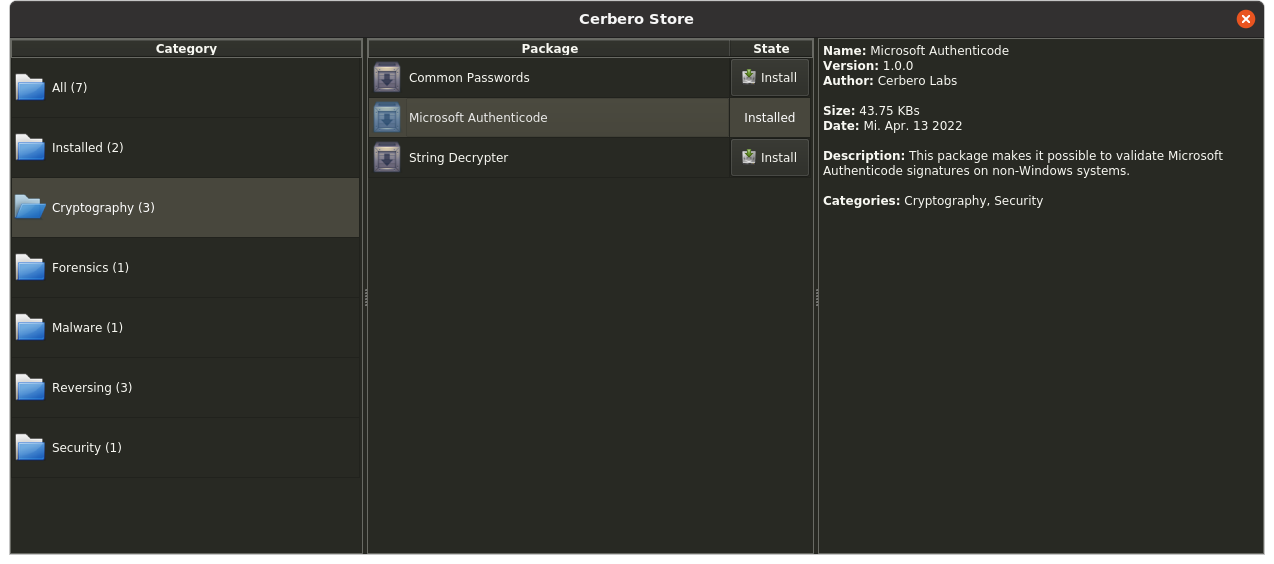
Cerbero Suite has been using its own implementation of Microsoft Authenticode for performance reasons since the very beginning, back in 2012. However, thanks to the recently introduced Cerbero Store we can now offer this feature on systems other than Windows.
We have also exposed Authenticode validation to our Python SDK.
from Pro.PE import *

print(PE_VerifyAuthenticode(obj))
Alternatively, scan hooking extensions can check the generated report for the validation scan entries.